

Description
Ready Stok !!!
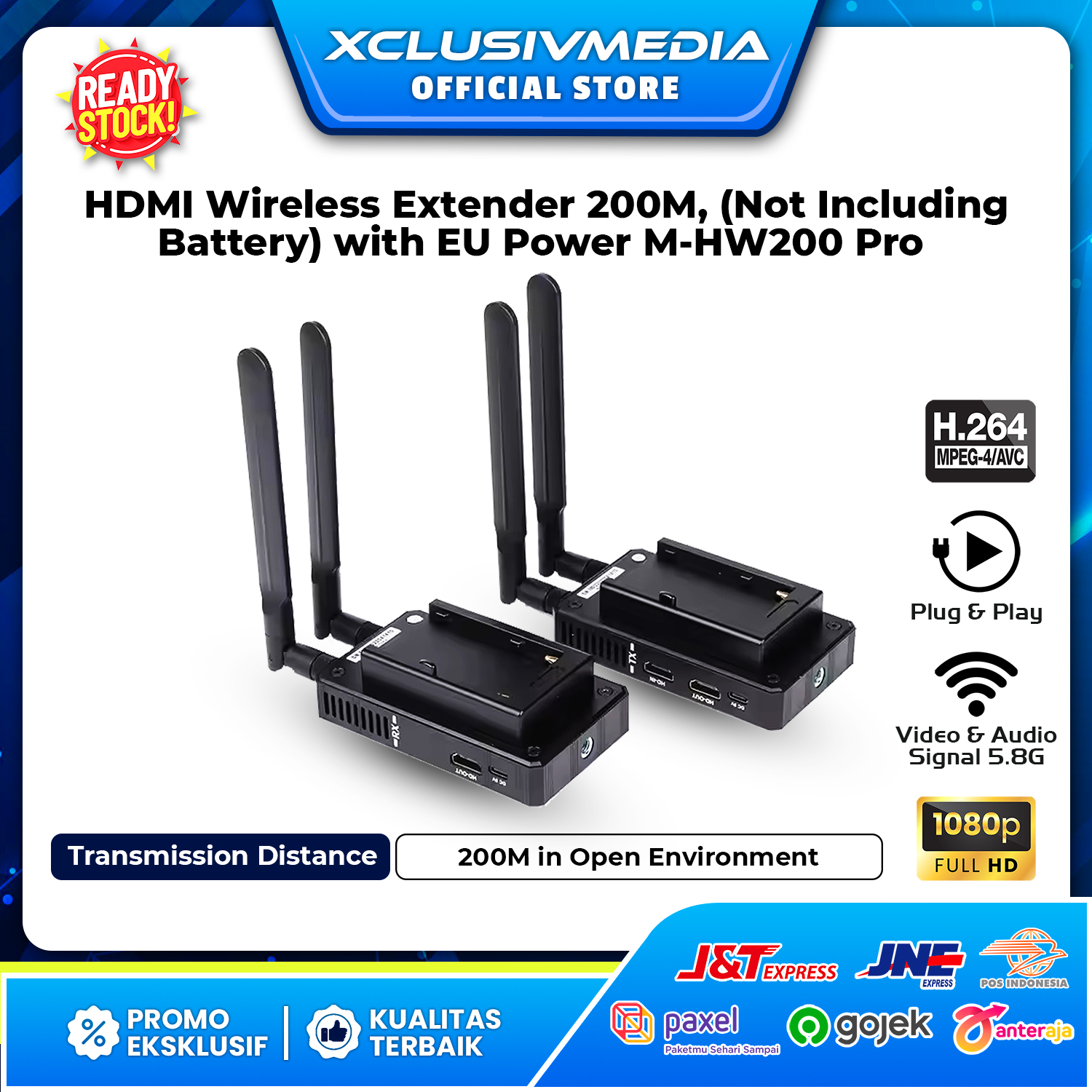
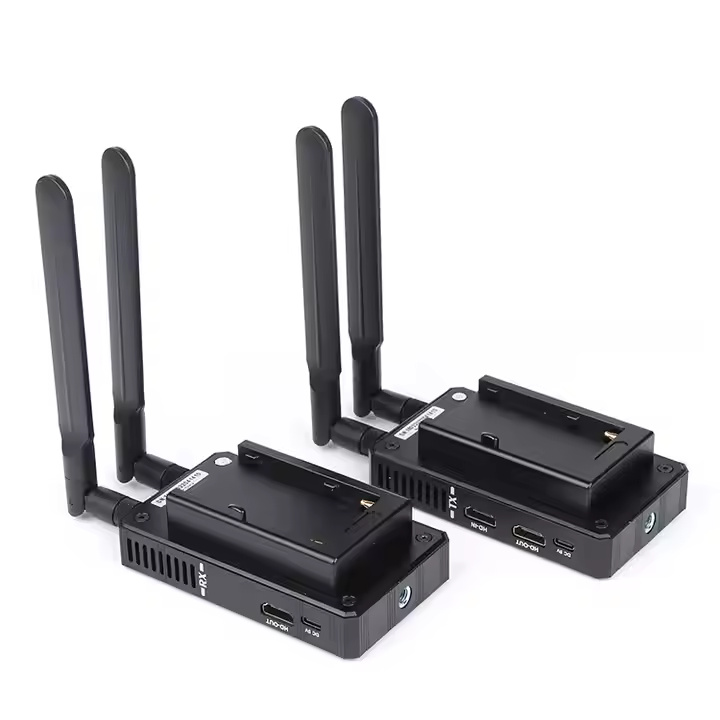
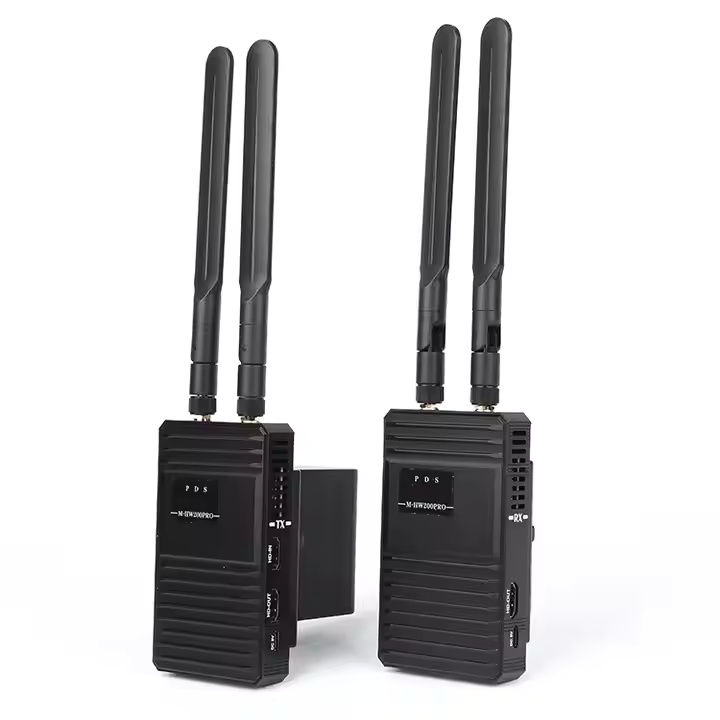
HDMI Wireless Extender 200M, (Not Including Battery) with EU Power M-HW200 Pro
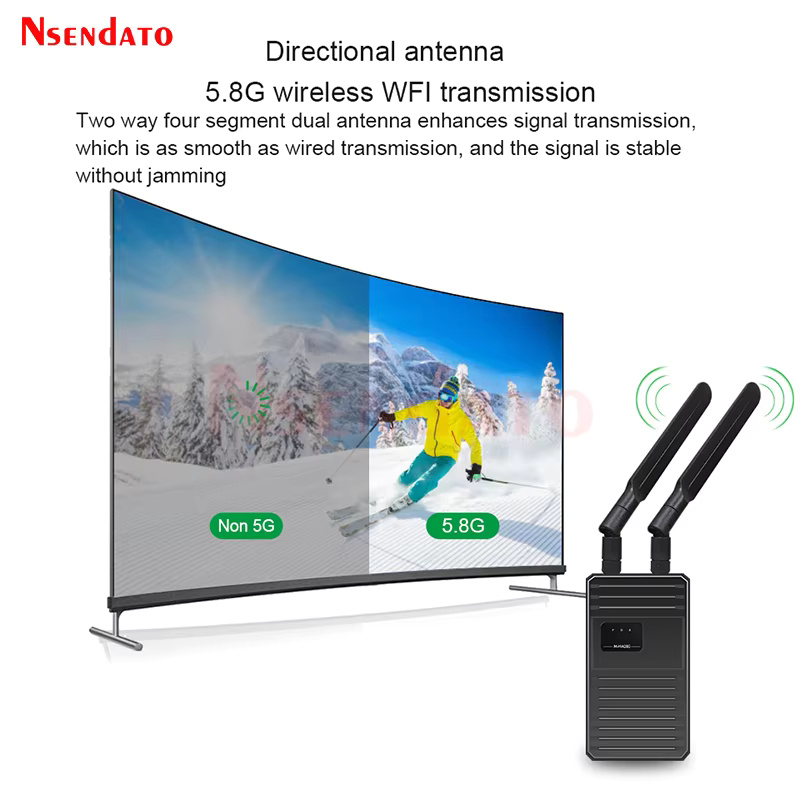
The wireless transmission transmits high-definition audio and video signals through 5.8G wireless signals, which can adapt to a variety of complex application environments. The device has excellent image processing and transmission capabilities, making the signal transmission more smooth and stable. It is a reliable, high-performance and efficient HDMI signal extension mode.
Features :
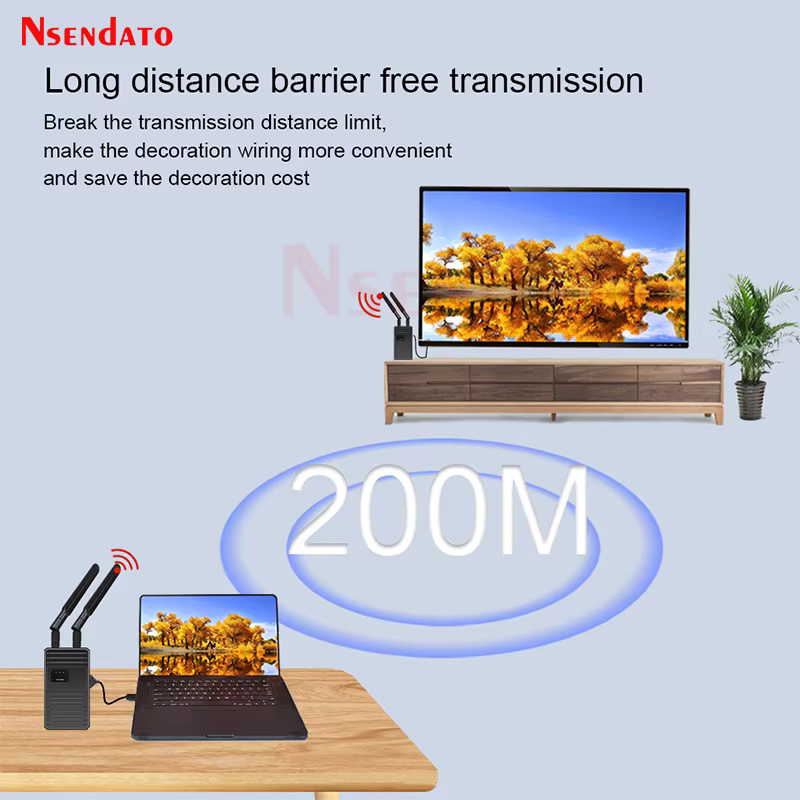
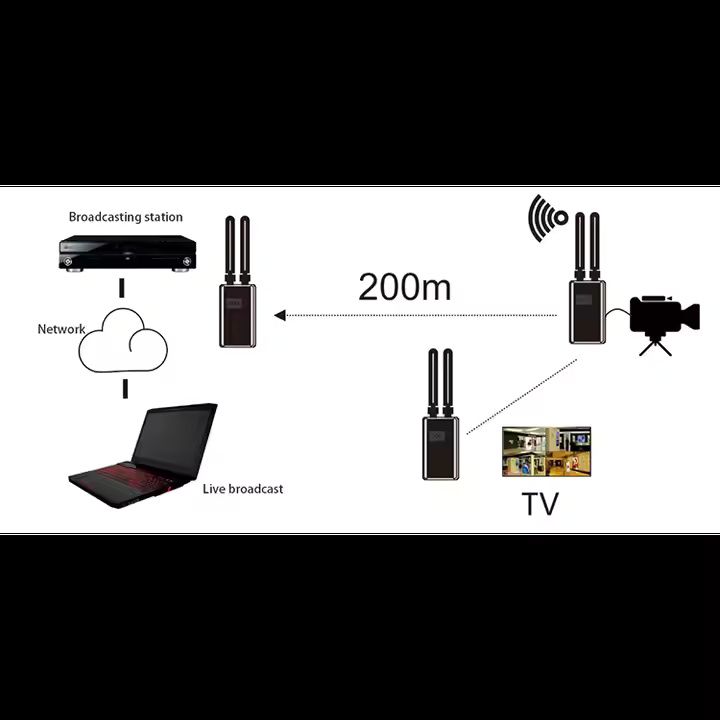
– Transmit HDMI video and audio signals over 5.8G wireless up to 200m (656ft)
– Support video resolution up to 1920*1080P@60Hz
– Transmission delay 0.8 seconds.
– Maximum data rate 6.75Gbps
– Supports one TX and one RX, support one TX and four RX at most
– The special format H.264 is used to compress and decompress the video, improve the transmission efficiency and make the playback more smooth
– Compliance with HDMI 1.3 and HDCP 1.2 standard
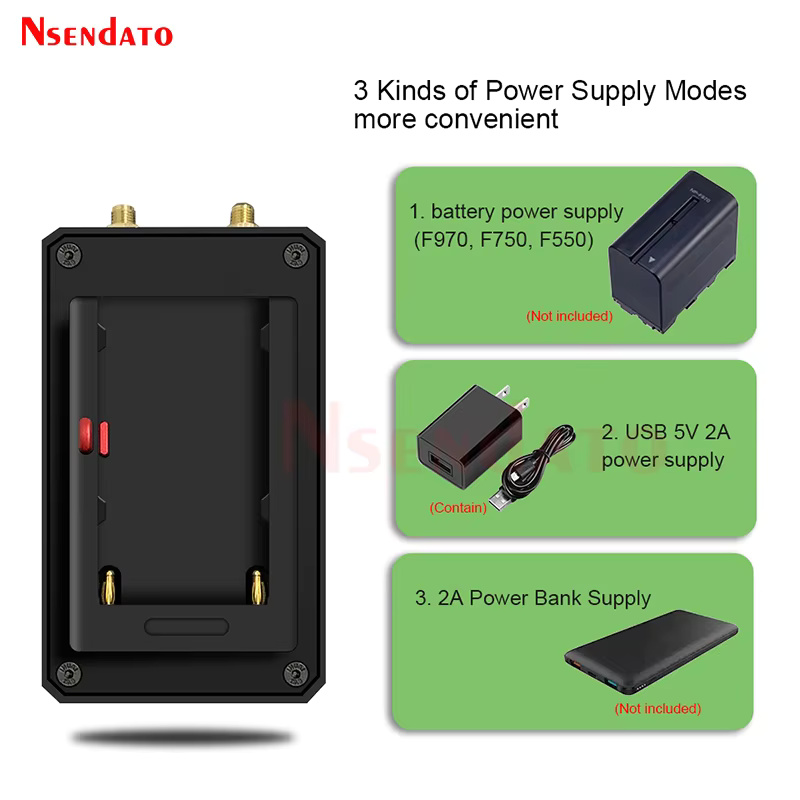
– Power supply. The power adapter: DC 5V/1A
– High compatibility, can auto-match source and display device
– Built-in ESD protection system
– Simple to install, plug and play
Installation Process :
1. Connect the HDMI signal source to the HD-IN port of transmitter
2. Connect the HD-OUT port of receiver to the display device (such as HD TV, projector, etc.)
3. Connect the provided DC/5V power supplies to the power socket of the transmitter and the receiver
Package :
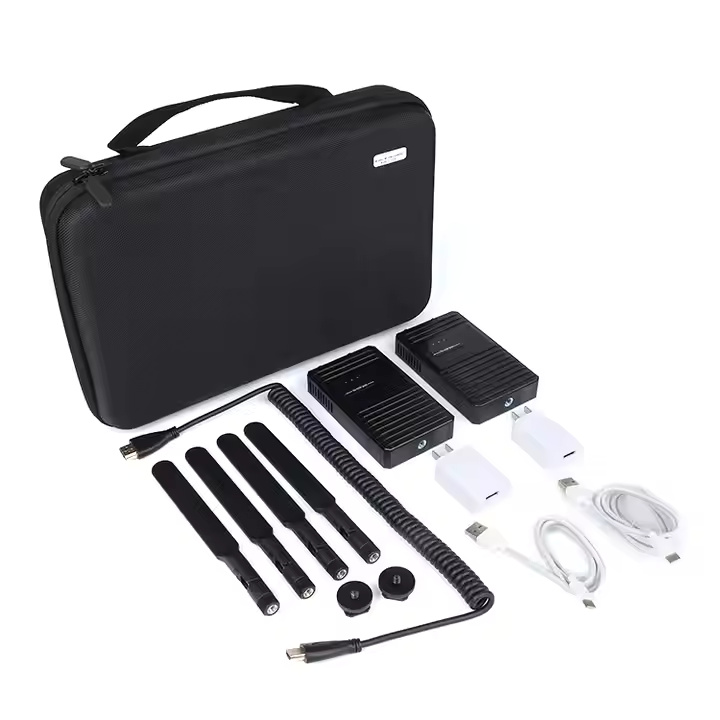
1. HDMI transmitter x1 pcs
2. HDMI receiver x1 pcs
3. antenna x4 pcs
4. Power adapter x2 pcs
5. HDMI cable x 1 pcs
6. User manual x1 pcs
How To Pairing :
a. One to one, paired well before leaving the factory
b. When one to many, you need to pair according to the following steps:
Before pairing, confirm that the previously paired RX is powered off in the same environment(Otherwise, the pairing will not succeed)
1.Power on TX and RX, wait for 10-20 seconds, P (red light) and D (green light) of TX and RX will be on for a long time;
2.Connect the HDMI cable to the HD-OUT of RX, then connect the other end of the HDMI cable to the HD-IN of TX (Note: the HDMI cable is connected to RX first and then TX);
3.The S (green light) of RX will flash for 2-3 seconds and stay on, then the S (green light) of TX will flash for 2-3 seconds and stay on, and then the D (green light) of TX will flash continuously. At this time, pairing is successful.


Reviews
There are no reviews yet.