


Description
Ready Stok !!!
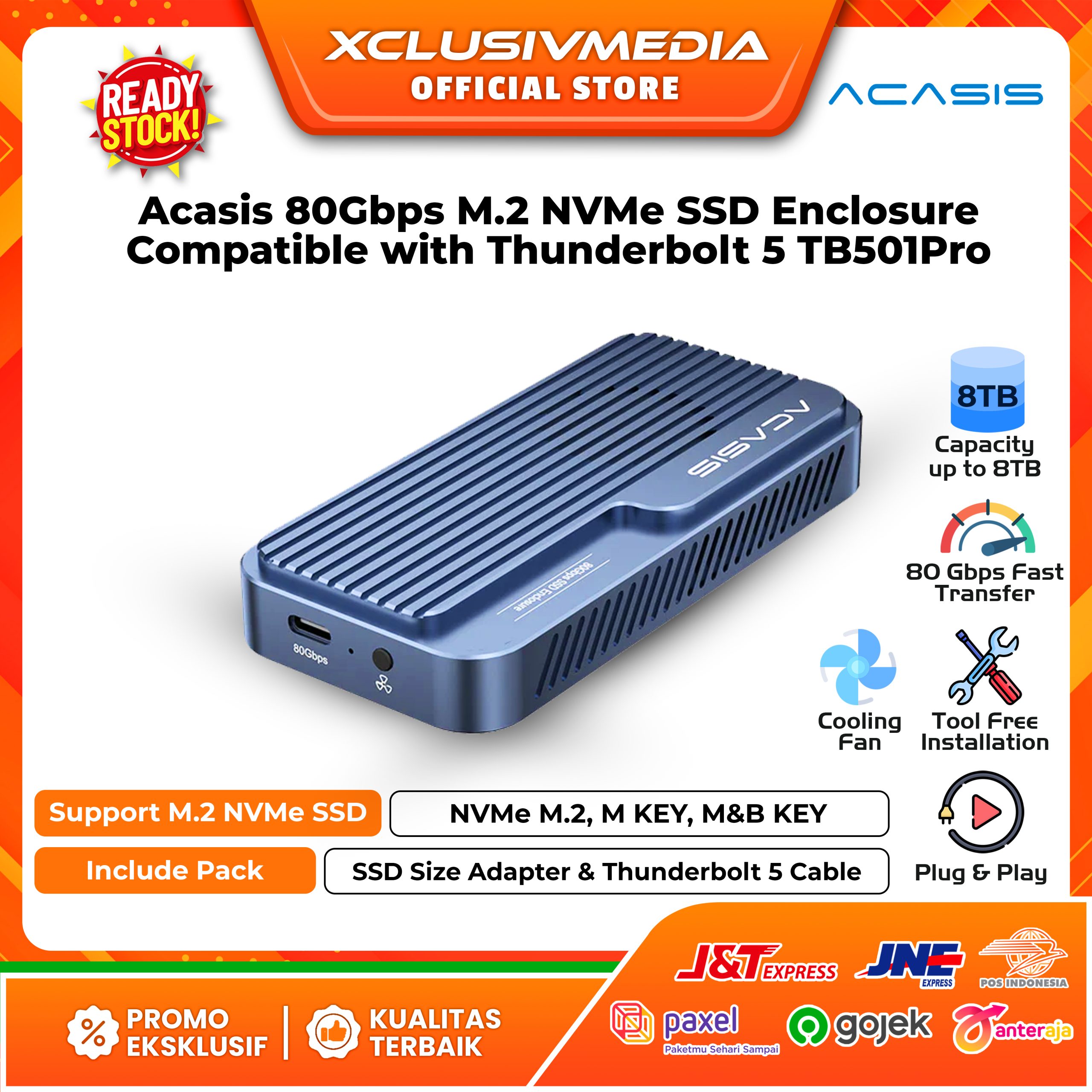
Acasis 80Gbps M.2 NVMe SSD Enclosure Compatible with Thunderbolt 5 TB501Pro
Spesification :
– Brand : Acasis
– Type : SSD Enclosure TB501Pro
– Adopts Next-generation Chip JHL9480
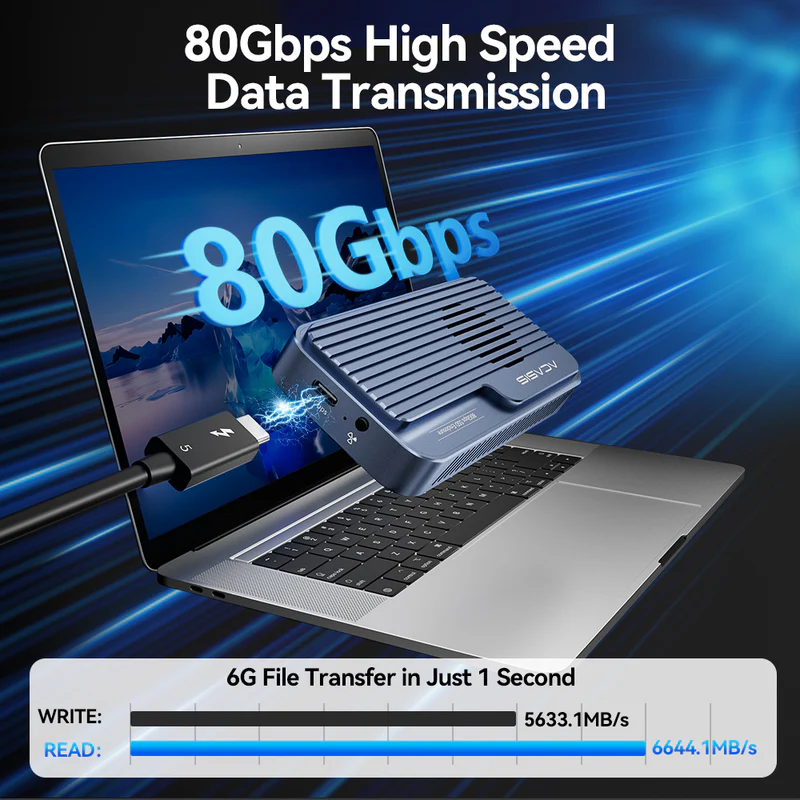
– Transfer Data Speed 80Gbps
– Read & Write Speed Over 6000 MB/s
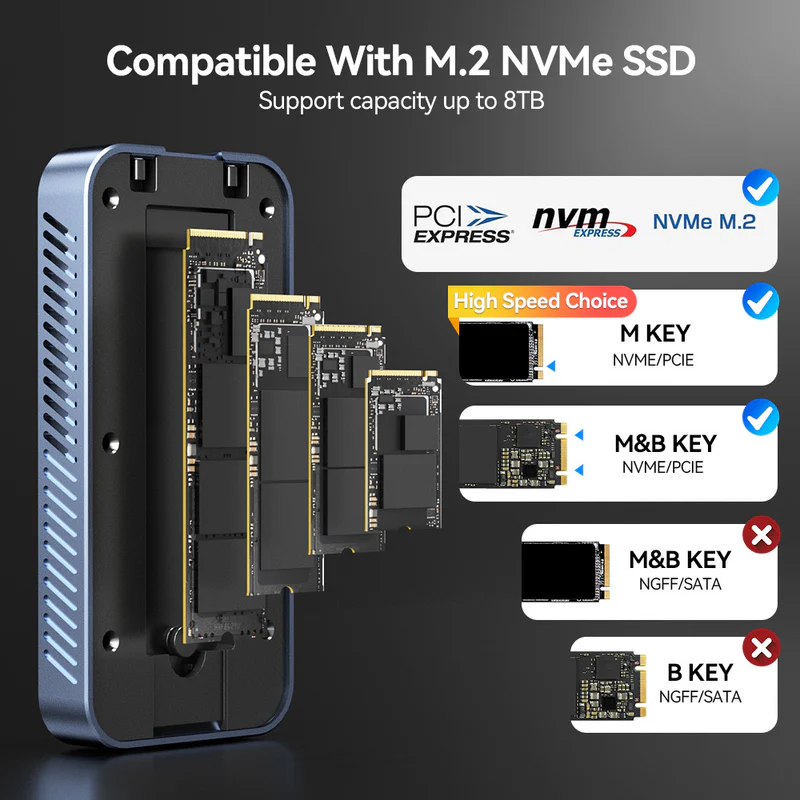
– Supports Up to 8TB M.2 NVMe SSD
– Supports NVMe M.2, M.KEY, M&B KEY
– Compatible with Thunderbolt 5/4, USB 4.0
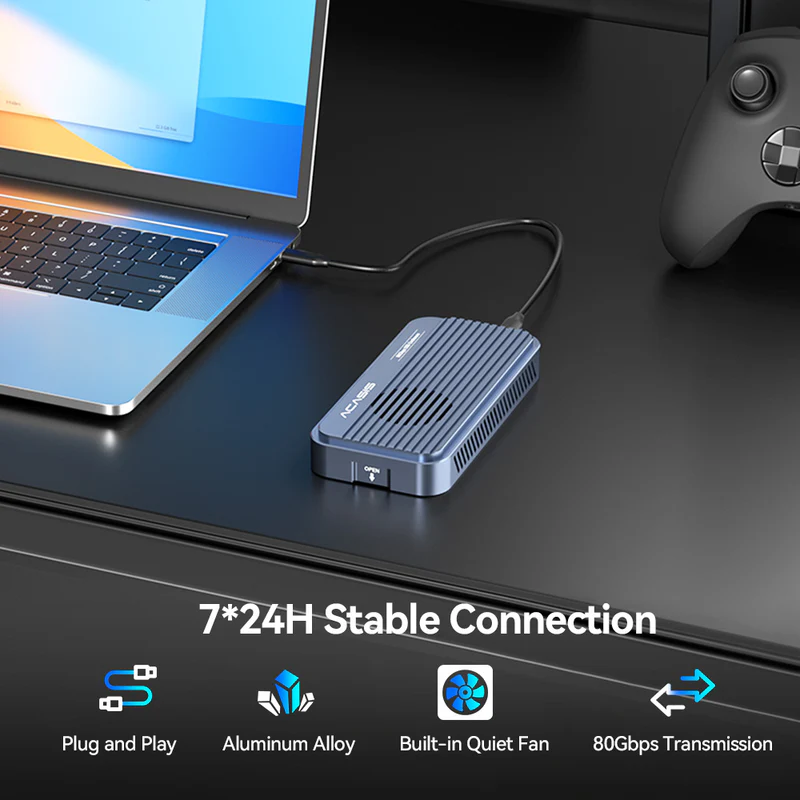
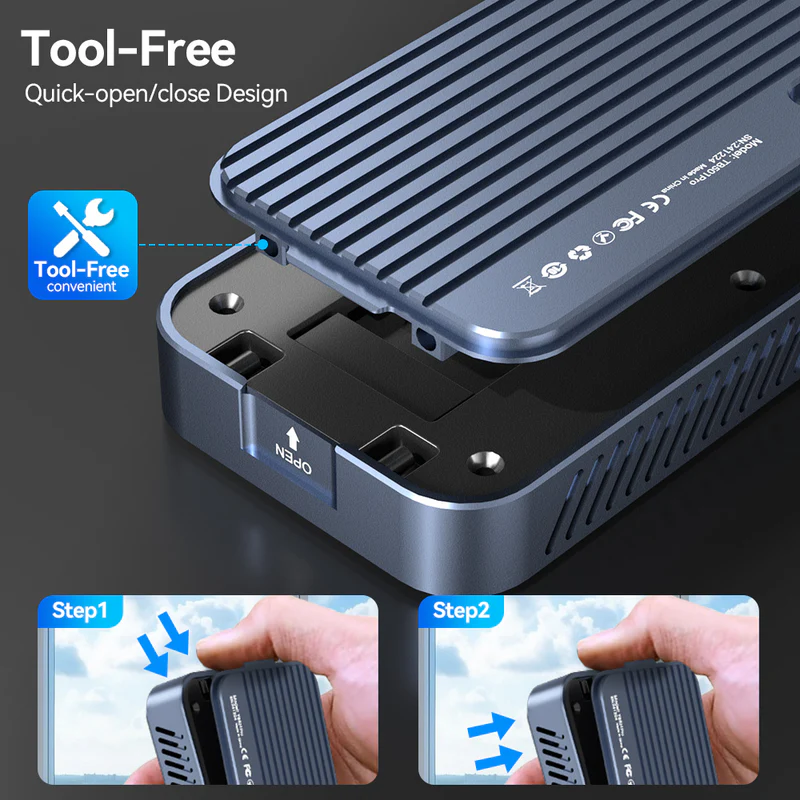
– Plug and Play, Driver-free, Adjustable Cooling Fan
– Compatible with Windows, macOS and Linux.
Features :
Based on user feedback, we’re introducing the Upgraded Version TB501 Pro, an Upgraded Version that enhances the Basic Version with:
– Added adjustable fan
– Expanded USB compatibility (backward compatible with USB 3.2/3.1/3.0)
– Expanded Thunderbolt compatibility, backward compatible with Thunderbolt 3
– Sleeker, more portable design
Important Note: SSDs with integrated Heatsinks exceed our enclosure’s internal dimensions and are not recommended for installation.
This product is not compatible with PCIe Gen 5 SSD. Thunderbolt 5 is based on the PCIe Gen 4 protocol.
Note:
1. Confirm Thunderbolt Port Availability
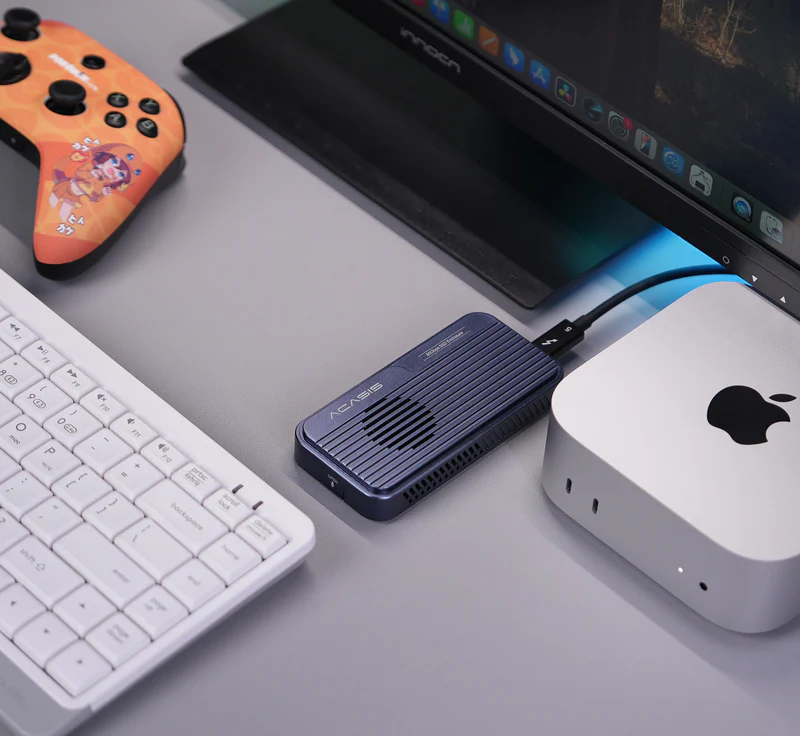
Make sure your computer has a Thunderbolt port. All Apple computers released in 2015 or later with Thunderbolt 4 ports are compatible. For Windows computers, those released after 2016 with Thunderbolt 5/4/3 or USB4.0 ports will also work.
2. Choosing an SSD
We have tested dozens of SSDs to ensure that our customers can find the right one for their needs. We recommend the Samsung 990 Pro/980 Pro, Western Digital SN850/SN850X, and Crucial P3 Plus.
3. Formatting the SSD
When using the SSD on macOS, you can choose either Mac OS Extended (Journaled) or APFS (whichever is faster for your needs). For Windows, select NTFS. If you want to use it on both systems, choose ExFAT (make sure to format it as ExFAT on macOS).
4. Data Backup
Please back up your data before using the SSD enclosure. If you encounter any issues with product quality during the warranty period, customer service can assist with device replacement; however, we cannot provide data recovery services or cover losses due to data loss. We appreciate your understanding regarding this matter.
Equipment in the set :
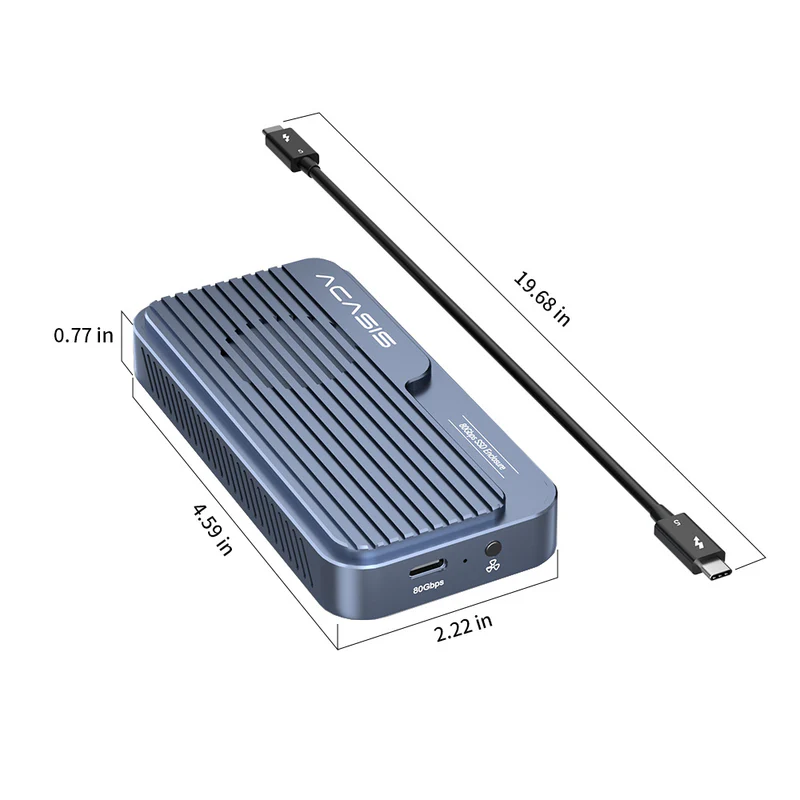
1* 80 Gbps SSD Enclosure TB501Pro
1* Thunderbolt 5 Cable
1* SSD Size Adapter
2* Silicone Stopper
2* Thermal Pad
1* User Manual
Penting diperhatikan :
– Garansi 3 bulan (tidak termasuk human error, rusak fisik, terkena air dsb)
– Wajib memberikan bintang 5 untuk mengaktifkan garansi.
– Silahkan hubungi kami jika terdapat kendala, komentar atau ulasan negatif akan menghanguskan garansi.
– Membeli berarti setuju ketentuan diatas.
Terima Kasih
Reviews
There are no reviews yet.